
“The best 10 minutes you can spend on your business today.”
This is how Google describes the Google My Business platform and the simplicity of creating an account on it. What this statement doesn't show is the countless possibilities and advantages your company can have for free by being present on it.
Curious? Then keep reading and discover everything about Google My Business.
What is Google My Business
Google My Business is a tool that allows businesses of any size to literally put their business on the map of the search giant, helping to promote them in Google’s organic searches, on Google Maps, and on Google+.
The main goal of the platform is to bring businesses closer to their customers, which benefits both parties, as if your customers are looking for you online, with Google My Business you will help them find you.
Main Features
Google My Business allows you to manage your online presence on the search engine, providing essential features so that you can make Google itself a virtual showcase, where your consumers will find all the necessary information to spark their interest in reaching you, as well as showing exactly how they can do that. Want to know how?
 Be easily found by your customers
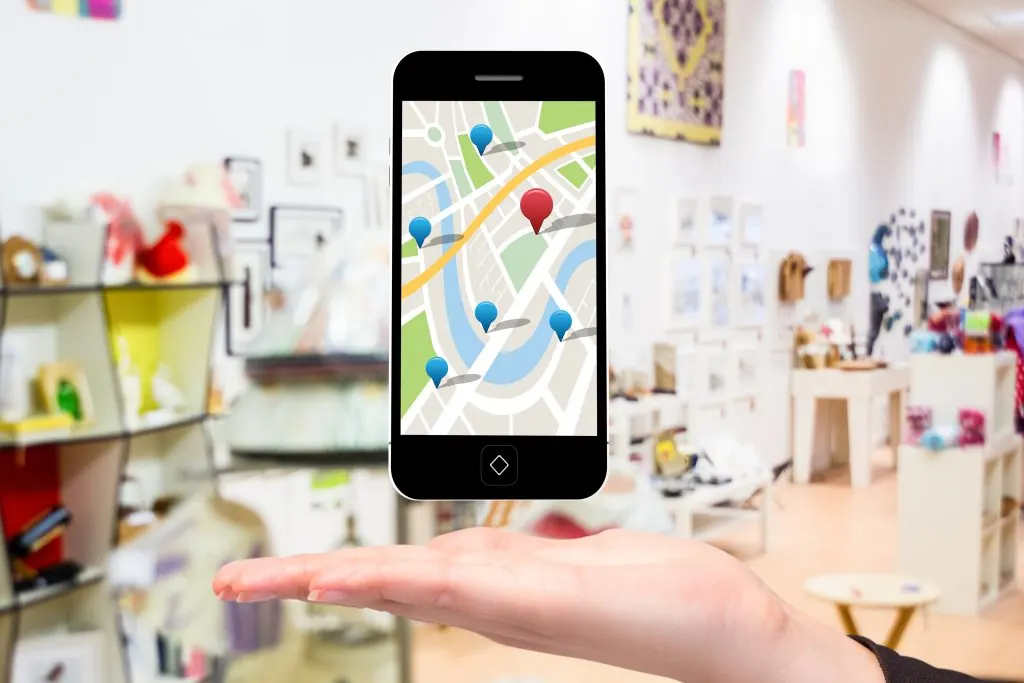
On Google My Business, you can enter your exact address on Maps, which will show routes to your establishment every time someone searches for it.
You can also set your business hours and display contact information such as phone number, website, and even social media.
 Show your customers everything you have to offer
You can upload photos of your establishment, products, or even include a virtual tour so that your customers can see your business before they even set foot in it.
 Let your customers' satisfaction speak for you
With Google My Business, your satisfied customers can rate your establishment, leave comments, and turn your virtual profile into a true wall of recommendations.
 Advertise your news for free
A new feature of Google My Business has made it possible to create posts within the platform, which will last seven days on your page and can announce specific offers with descriptions, images, videos, gifs, and even a call to action. It is also possible to turn these posts into events to attract people on specific dates.
How your business will be found
The Google My Business displays three types of search results, and how your business will be displayed in these results depends not only on your profile on the network but also on the way the user searches.
Through service type search
In this case, Google takes into account the geographical proximity of your establishment in relation to the person conducting the search. For example, if a user is in Porto Alegre and searches for “Digital Agency”, My Business will display the Digital Agencies closest to the location of the person conducting the search.
When the search is conducted on smartphones, the results tend to be more accurate, as Google accesses the device's GPS for the exact location.
Through the establishment's location
This occurs when the user searches for your service or product + the name of the neighborhood, region, or city of interest. For example, when searching for “Digital Agency in Porto Alegre”, regardless of your location, My Business will display the Digital Agencies located in Porto Alegre.
Through the search of the company name
This occurs when someone specifically searches for your company's name. If it is registered on Google My Business, the result will be displayed on the right side of the screen, with more complete information and your latest updates.
How to register your business on Google My Business
Remember the beginning of this text when we said that the statement Google uses to promote My Business focuses on the simplicity of registering on the platform? Well, the statement couldn't be more perfect, as it is indeed very simple.
Just access the Google My Business website and click on “Get Started”. You can log in with the same access you use for Gmail or register a new one.
Then, a tab will appear “Add Your Business” where you must enter basic information such as the name of the establishment, phone number, address, etc.
Once done, Google will ask you to verify the information provided earlier and fill out an authorization to manage your business page. Then, you will be directed to a screen where Google will propose sending a verification code to the address you provided, and will give you access to the control panel.
In this panel, a red banner will appear prominently in the upper corner of the screen with the button “Confirm now”. To make this confirmation, just click on this button and enter the code sent by Google.
This code is sent by mail and may take one to two weeks.
After entering the code, you will have full access to the panel and can manage your information and make posts whenever you want.
Although it delays access to the panel a bit, the confirmation code is a way to protect your page, ensuring that only you will have access to it and the accuracy of the information that will be made available to the public.