
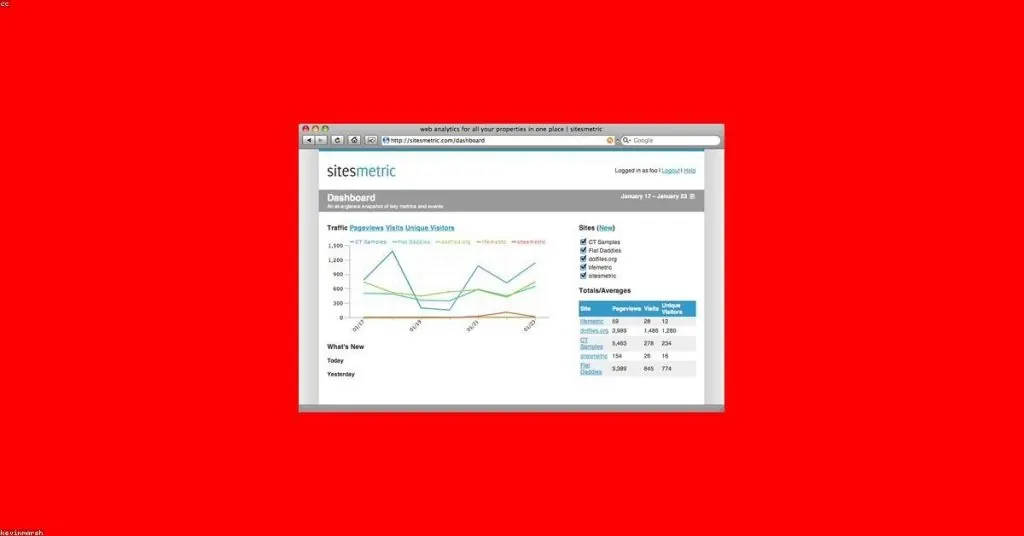
One of the most important things when it comes to monitoring eCommerce conversions is the conversion path. Analyzing all user touchpoints, segmenting the audience, and identifying the main channels that generate sales is essential for directing both online advertising investments and organic search optimization strategies.
Setting up goals and conversion funnels is one of the most important steps in the setup of your Google Analytics account. Contrary to what some people think, configuring Google Analytics within e-commerce can become a tedious task filled with pitfalls.
Over several years of building online stores or providing digital marketing consulting, I have observed that most difficulties arise from the fact that:
1) There is no standard platform or technology for eCommerce
Since there is no single e-commerce platform or technology, each environment has its own peculiarities. Most of the time, the people responsible for managing customer expectations (customer service) and performance indicators (consultants/analysts) do not speak the same language as those responsible for technical implementation (programmers). As a result, we have incomplete funnels that do not account for user behavior from the moment of access to the completion of the entire purchase process.
2) Most eCommerces do not correctly implement Google Analytics e-commerce specifications
Google Analytics allows the implementation of specific transaction control tags for e-commerce; it is not enough to simply set the Google Analytics account to indicate that the site is an e-commerce.
Through this monitoring, we can track the user's purchase flow, which products are rejected in the cart, which are responsible for most sales, and we can measure the effective ROI of our business.
Let’s look at the practical case of the funnel flow below already implemented with Google Analytics eCommerce transactions:
Since the analysis of this funnel starts from the shopping cart, it disregards all user interactions before they manage to add the product at this important stage of the purchase flow, making any analysis of user behavior, even in a multi-channel funnel, incoherent or inaccurate.
The main problem is that very likely, one of the most important stages of the purchase flow called product detail is too complex to implement. Let’s imagine we have an eCommerce with over 5,000 products, each with 5,000 absolutely different URLs representing different conversion paths. Imagine yourself in this situation and tell me which of the two options you would choose:
a) Create 5,000 variations of conversion goals with a lot of energy and no social life
b) Turn off the computer immediately in the midst of a panic attack because surely someone would be furious for not obtaining this data for the client (Customer Service).
At this point in the conversation, the power of simplicity comes into play. Thanks to the feature of arbitrary calls in Google Analytics, we can disregard the specific URL we are tracking and create a fixed URL for the conversion path. See the example below of the arbitrary call:
pageTracker._trackPageview("/product-detail");
If instead of using the standard pageTracker._trackPageview() call, we add any parameter, Analytics will consider this as the valid URL. This feature has long been used to track interactions on Flash pages, and now it will help you build the success of your e-commerce.
The same feature can be applied to track pages that do not have friendly URLs or to segment steps in the registration process that use the same URL.
pageTracker._trackPageview("/step1.html"); // Actual page registration.php
pageTracker._trackPageview("/step2.html"); // Actual page registration.php
The next step now is to create a conversion goal with a funnel named /product-detail. This way, with just one goal, we will be able to analyze all accesses from "product details," allowing us to evaluate whether our dynamic page is generating any unexpected exits or breaks in the purchase flow.
I hope this tip is useful for your e-commerce!