
📚 This article is part of our complete hub on ActiveCampaign.
What is the ActiveCampaign + WhatsApp API Integration?
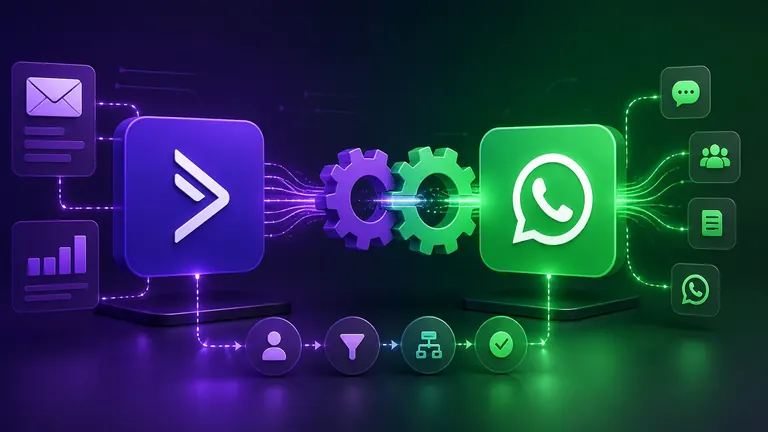
ActiveCampaign offers native integration with the official WhatsApp Business API from Meta. You can send templates, use segmentation, and unify conversations with the contact's profile.
Prerequisites
- ActiveCampaign Plus, Professional, or Enterprise account
- Verified WhatsApp Business number in Meta Business Manager
Step by Step
1. Check your plan
WhatsApp Messaging: available in Plus, Professional, and Enterprise.
2. Connect your Meta Business Manager
Settings > WhatsApp > Connect WhatsApp Business Account. Authorize ActiveCampaign as BSP.
3. Create and approve templates
In Meta Business Manager: Marketing (R$0.33), Utility (R$0.04), or Authentication (R$0.04).
4. Sync the templates
In ActiveCampaign: Settings > WhatsApp > Sync Templates.
5. Create automations with WhatsApp
Action Send WhatsApp Message in automations. Map variables with contact fields.
Costs (May/2026)
| Type | Cost |
|---|---|
| Marketing | R$ 0.33 |
| Utility | R$ 0.04 |
| Authentication | R$ 0.04 |
| Service | Free |
Best Practices
- Segment contacts by behavior
- Max. 2-4 marketing messages/month
- Use Utility (costs 8x less)
- Monitor block rate